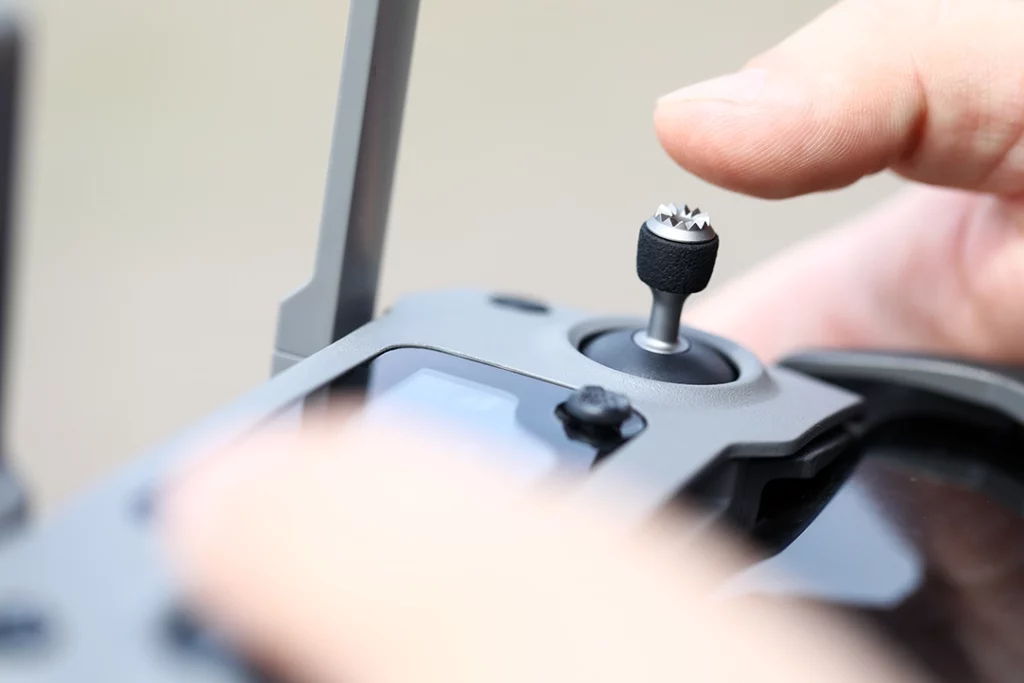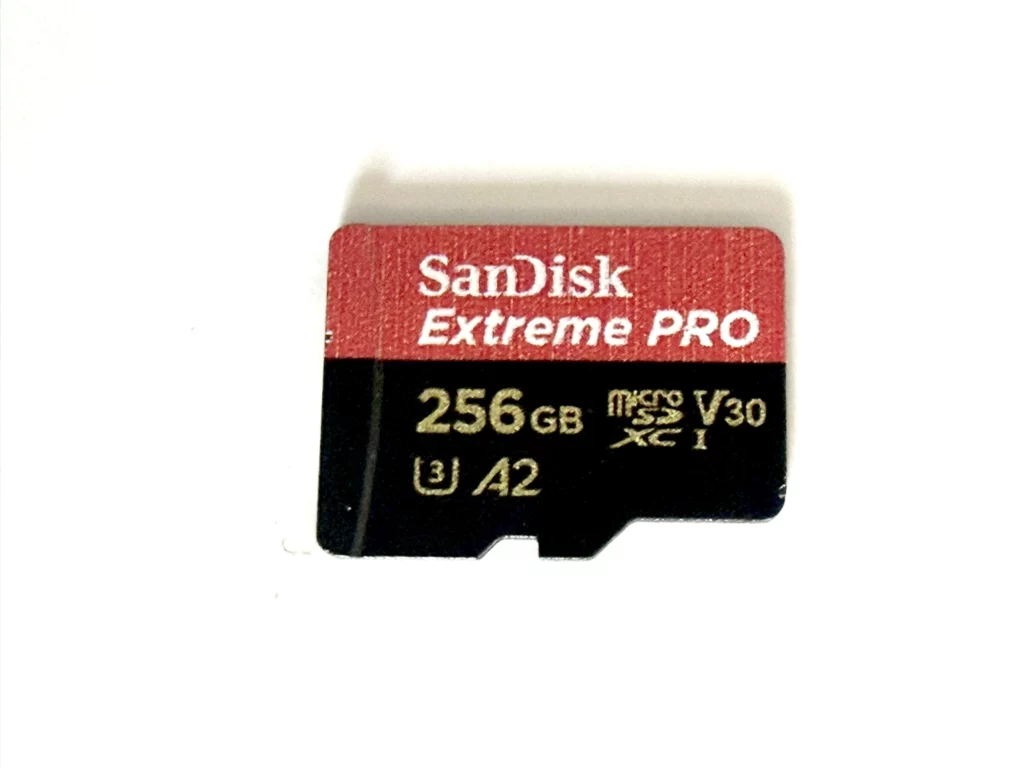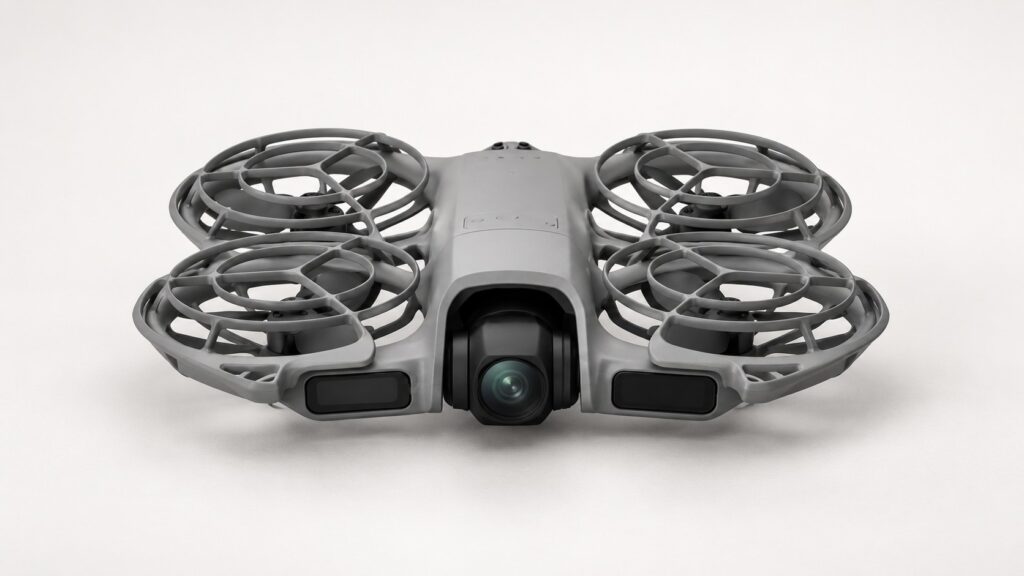
You need the DJI Neo 2 Digital Transceiver to fly Neo 2 with a compatible DJI controller or goggles. For palm control and a phone connected directly over Wi-Fi, you can leave it off. If you already own an RC-N3, RC-N2 or RC 2, check for the module before buying another controller.
For an existing aircraft, start with the official Neo 2 transceiver. If you are buying the drone and want a complete goggles setup, the Motion Fly More Combo includes the module, Goggles N3 and RC Motion 3:
Choose the controls you will actually use
For quick follow clips, I would start with the palm and phone features you already have. Add sticks when you want to place the aircraft yourself and practise deliberate flight paths. Choose goggles when the first-person flying experience is the attraction and you have someone to act as your observer outdoors.
| Your plan | Equipment to check |
|---|---|
| Palm control or direct phone Wi-Fi | Neo 2 and its supported phone/app setup; no Digital Transceiver needed. |
| Conventional sticks with your phone | Neo 2 Digital Transceiver plus RC-N3 or RC-N2, a compatible phone and the correct connection cable. |
| Conventional sticks with a built-in screen | Neo 2 Digital Transceiver plus DJI RC 2. |
| Goggles flying | Neo 2 Digital Transceiver, Goggles 3 or Goggles N3, and RC Motion 3 or FPV Remote Controller 3. |
These are the combinations in DJI’s current Neo 2 compatibility information. Read the model name on any controller or goggles you already own: RC 2 and the older DJI RC are different products, as are the numbered generations of goggles and motion controllers.
What the transceiver changes
The module gives Neo 2 its O4 connection for supported controllers and goggles. It belongs on the aircraft; it is a separate purchase from the device you hold or wear.
DJI describes the phone app’s virtual sticks as controls for fine positioning and returning the aircraft. For learning conventional flight, physical sticks give you a more suitable control layout. An existing compatible controller is therefore worth reusing before spending on a screen-controller upgrade.
For palm-only outings, DJI advises removing the module to reduce weight and extend flight time. Fit or remove it with the aircraft switched off. You can keep the simpler setup for a walking clip and fit the module when you want a controller session.
Choose a controller for how you want to fly and frame the shot. Advertised transmission distances describe radio-link test conditions; plan UK flights around direct sight of the aircraft and the applicable Drone Code.
Check the box before ordering a second module
The UK DJI store’s ordinary Neo 2 Fly More Combo with RC-N3 includes the Digital Transceiver, three batteries and a charging hub. The Motion Fly More Combo supplies Goggles N3 and RC Motion 3 with the transceiver, three batteries and hub. A Drone Only package serves a different starting point.
Retailers can use similar Fly More names for packages with different contents. Look for the actual controller and Digital Transceiver in the listing’s included-items section. A three-battery photograph tells you about batteries; it leaves the controller question open.
- Already own Neo 2 and compatible controls? Buy the missing module, rather than another complete aircraft kit.
- Buying everything for conventional flight? Compare a package explicitly including RC-N3 and the transceiver against the complete cost of buying those items separately.
- Starting with goggles? The Neo 2 Motion Fly More Combo puts the matching N3/Motion 3 equipment together. If you already own compatible goggles and controls, price only the pieces you are missing.
Check that a module listing sells the electronic transceiver. Search results also contain antenna covers and protectors, which are accessories for an existing module. For a standalone unit I would start with DJI’s official product page; confirm the product identity and seller before choosing a marketplace alternative.
Fit it and check the system at home
Use the fitting illustrations in the Neo 2 manual for the physical installation. Prepare a clear work surface for the small screws and keep the aircraft powered off throughout fitting or removal.
Secure the module before switching on. Keep pressure off its antennas when handling and packing the drone. DJI’s accessory instructions call for a screw check after every 30 hours of flight, tightening any that have worked loose.
Complete the equipment’s firmware and linking prompts before leaving home. For RC-N3 or RC-N2, check your phone and cable with DJI Fly’s current compatibility information. Confirm the camera view and aircraft connection with the motors stopped.
If linking fails, check the exact model names, module fitting and firmware first. Replacing a supported controller before completing those checks could leave you with the same missing connection and an unnecessary purchase.
Plan the UK goggles session before buying
For ordinary UK Drone Code flying using FPV, arrange an observer who stands beside you and can talk to you throughout the flight. They need to keep the aircraft in direct sight and watch the surrounding airspace while you use the goggles. The CAA’s FPV and observer guidance explains the arrangement.
For outdoor Neo 2 flying, you also need a Flyer ID and an Operator ID. The CAA’s current registration guidance applies the Flyer ID threshold at 100g and the Operator ID requirement to camera drones of 100g or more.
If you usually fly alone and want to keep the aircraft in sight while composing on a screen, I would choose the conventional-controller route. If you are still choosing the aircraft itself, our beginner drone buying guide compares the wider camera-drone options; the accessories guide helps you prioritise the rest of the kit.
Compatibility and UK package contents checked 18 October 2026 against DJI’s Neo 2 FAQ, UK store and transceiver instructions. These recommendations combine those specifications with practical buying judgement.