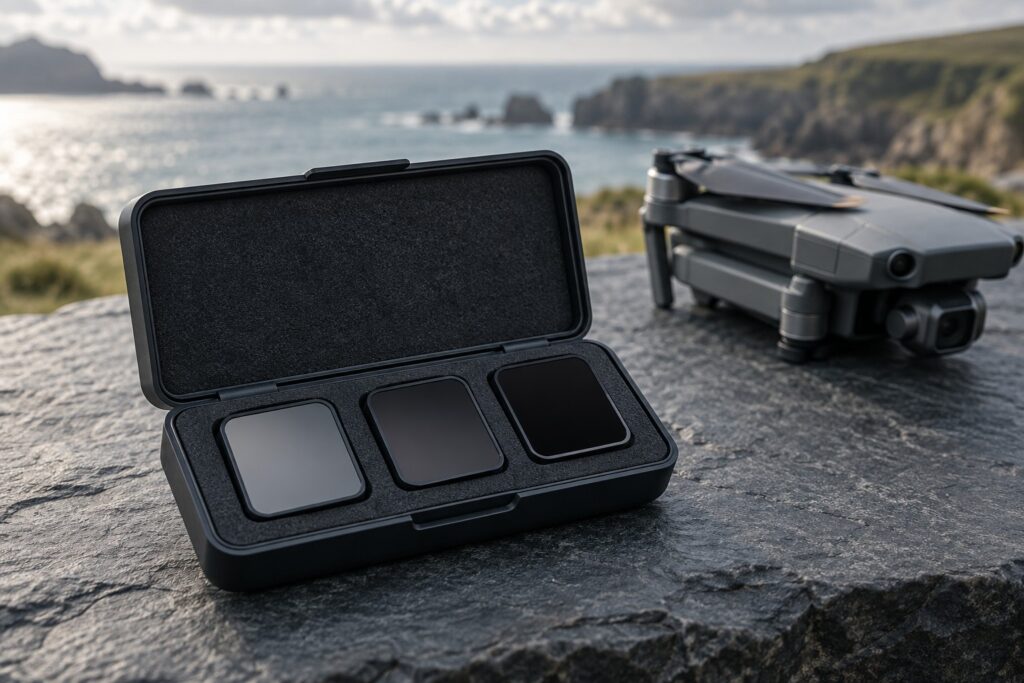
For daylight video on the Mini 4 Pro, start with 25fps and a 1/50-second shutter. An ND filter reduces the light so you can keep that shutter speed as conditions brighten. DJI’s ND16/64/256 set is a compact starting choice; a set with intermediate strengths gives you finer exposure control.
View DJI’s Mini 4 Pro ND16/64/256 set for three clearly separated strengths. Freewell’s Mini 4 Pro kit adds ND32 and ND128, useful when you want closer steps between filters.
Check the DJI ND16/64/256 set on Amazon UK. Compare the seller and delivery date with DJI’s own store before ordering.
Which set fits your shooting?
| Option | Reason to consider it | Trade-off |
|---|---|---|
| DJI ND16/64/256 | Three clearly separated strengths; DJI lists Mini 4 Pro compatibility and 0.75g per filter. | Two-stop gaps: no ND32 or ND128 for intermediate light. |
| Freewell Mini 4 Pro Mega kit | Includes intermediate fixed ND strengths alongside polarising and creative options. | More pieces to buy and manage; many are unnecessary for ordinary daylight video. Check the selected bundle contents. |
| No filter | Low light, or photography where a short exposure is the priority. | Bright-light video may require a faster shutter and a crisper motion look. |
Choose the exact Mini 4 Pro fit, then compare delivered UK prices and returns. DJI’s Mavic 4 Pro is a different aircraft with different accessories.
How ND helps the fixed-aperture camera
The Mini 4 Pro’s fixed f/1.7 aperture lets in plenty of light. Once you’ve chosen a frame rate, shutter speed and suitable ISO, an ND filter gives you control over brightness.
Think of ND as sunglasses for the camera: it cuts incoming light, letting you use a longer exposure while keeping the picture correctly exposed.
For natural-looking motion blur, a useful starting shutter time is one divided by twice the frame rate: 1/50 second at 25fps or 1/100 at 50fps. Use a faster shutter when you want crisper individual frames. Adobe explains the relationship in its frame-rate guide.
Calculate a starting ND strength
Keep ISO and aperture the same when comparing shutter speeds. Divide the unfiltered shutter denominator by the target denominator to find the ND factor, as in the worked example below. Each doubling of the ND number cuts another stop of light.
Correct exposure without a filter: 1/1600 second
Target exposure time: 1/50 second
1600 ÷ 50 = 32 → choose ND32, then check exposure again.
| Unfiltered shutter | ND for 25fps at 1/50 | Light reduction |
|---|---|---|
| 1/200 | ND4 | 2 stops |
| 1/400 | ND8 | 3 stops |
| 1/800 | ND16 | 4 stops |
| 1/1600 | ND32 | 5 stops |
| 1/3200 | ND64 | 6 stops |
| 1/6400 | ND128 | 7 stops |
Use the table as a starting calculation, then check the image after fitting the filter. If your reading falls between rows, choose a nearby strength and reassess highlights and shadows.
Choosing between ND16, ND32 and ND64
Suppose your scene needs 1/1600 without a filter. ND16 gives the same exposure at 1/100; ND64 gives it at 1/25. At a fixed 1/50, ND16 leaves you one stop brighter than the original exposure, while ND64 leaves you one stop darker.
With the DJI set, ND16 at 1/100 is a straightforward choice for that example, giving slightly crisper movement. ND64 with a one-stop ISO increase is another option where the mode and image quality suit it. ND32 lets you keep 1/50 at the original ISO.
For regular video work, look for the strengths your exposure readings call for. ND8 and ND32 can be useful everyday additions, while ND256 suits much stronger light reduction.
25fps and 50fps need different filter strengths
For the same scene and ISO, changing from 25fps at 1/50 to 50fps at 1/100 halves the exposure time. You therefore need half the ND factor to retain the same brightness: ND32 becomes ND16, or ND64 becomes ND32.
Recheck exposure when changing frame rate or when cloud changes the light. Choose the ISO for the exact recording mode too: Normal and D-Log M can have different available ranges.
Fixed ND, ND/PL or variable ND?
A fixed ND is the simplest starting point when exposure control is your goal. An ND/PL adds polarisation, useful for managing some reflections, but introduces another adjustment. As the drone changes heading, reflections and the sky’s appearance can change. Plan the direction of the shot before relying on a polariser to keep a uniform look.
A Mini 4 Pro variable-ND option lets you adjust strength before take-off. At the chosen setting, check for even brightness and natural colour, and confirm the frame seats securely with free gimbal movement. Choose it when that on-the-ground adjustment suits your filming routine.
A useful check before every flight
- Choose the recording mode and frame rate for the final video.
- Set an appropriate ISO and assess the unfiltered exposure toward the planned subject.
- Calculate a starting filter strength using the table.
- Power down before fitting or removing a filter, following the manufacturer’s instructions.
- Restart, confirm normal gimbal movement, and inspect exposure and sharpness before take-off.
- Recheck the scene after significant changes in light; land before changing the filter.
Give a well-exposed picture priority. Adjust the filter, shutter or suitable ISO to retain useful highlight and shadow detail with the motion look you want.
What to buy first
For a compact selection, start by pricing DJI’s ND16/64/256 set. If your scenes regularly need intermediate strengths, compare the Freewell kit’s included strengths and total cost. Look for a smaller compatible set if you mainly need one or two additions.
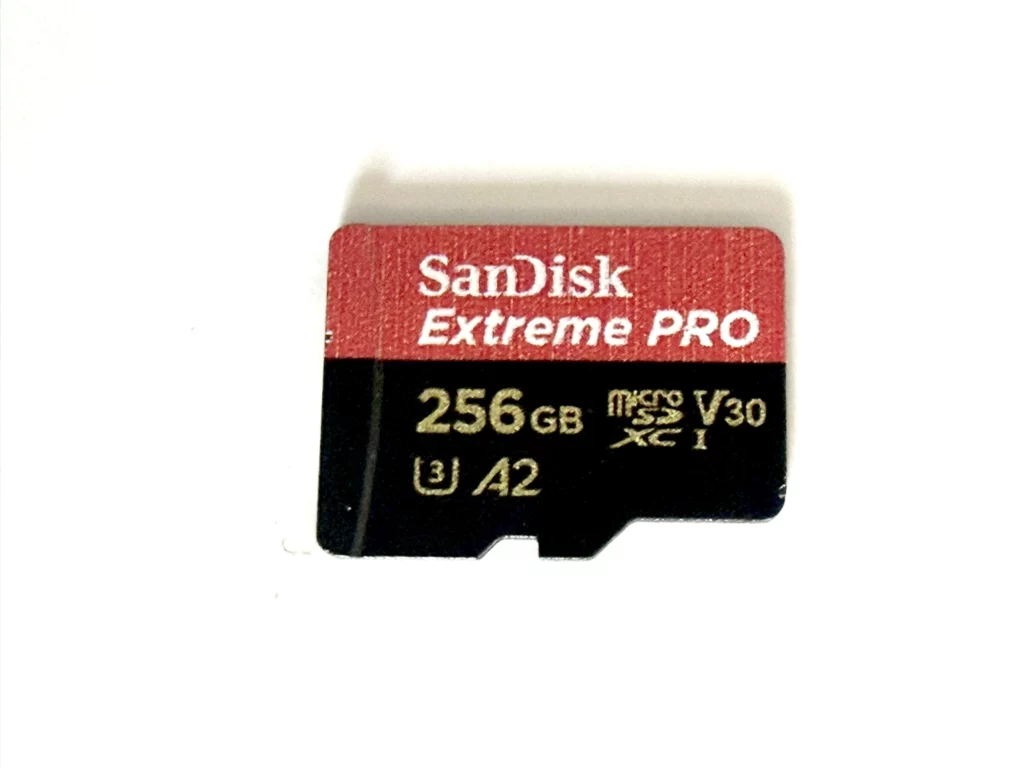
For a first drone setup, reliable recording media still comes before creative filters. See our microSD buying guide and beginner drone guide.
Technical references: DJI Mini 4 Pro specifications, DJI’s ND explanation and Freewell’s filter guide.